
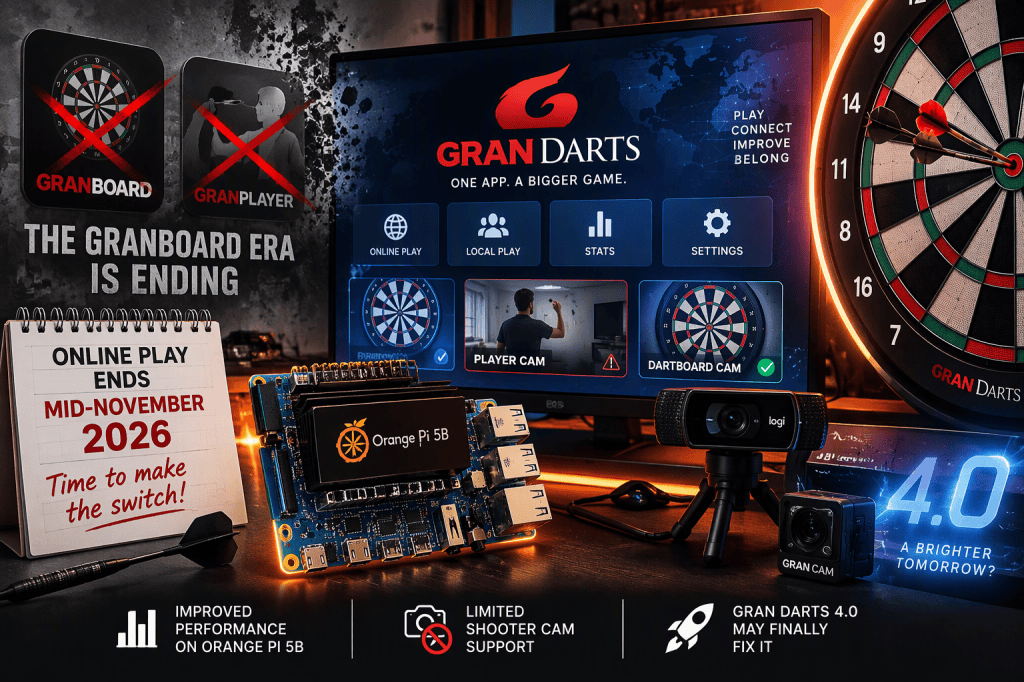
Whether we like it or not, the GranBoard era is coming to an end.
Gran has officially placed its bets on the Gran Darts app, positioning it as the one app that will eventually replace both GranBoard and GranPlayer. For Orange Pi users like me, that’s a pretty big deal. My Orange Pi 5B has delivered a near-perfect GranBoard experience, so the thought of being forced onto a new platform wasn’t exactly welcome news.
And make no mistake, this isn’t an optional upgrade. Based on Gran’s current roadmap, GranBoard users will lose online play capability around mid-November 2026. If you plan on continuing to play online, Gran Darts is your future.
The irony is that when I first tested Gran Darts, I couldn’t recommend it. The app lacked the fit and finish that made GranBoard so dependable, and it wasn’t close to replacing my daily setup. But a lot can change in a few releases.
So I decided to put Gran Darts back under the microscope on the Orange Pi 5B and find out once and for all: Is this the future GranBoard players have been waiting for, or are we being pushed into a downgrade?
My answer may surprise you.
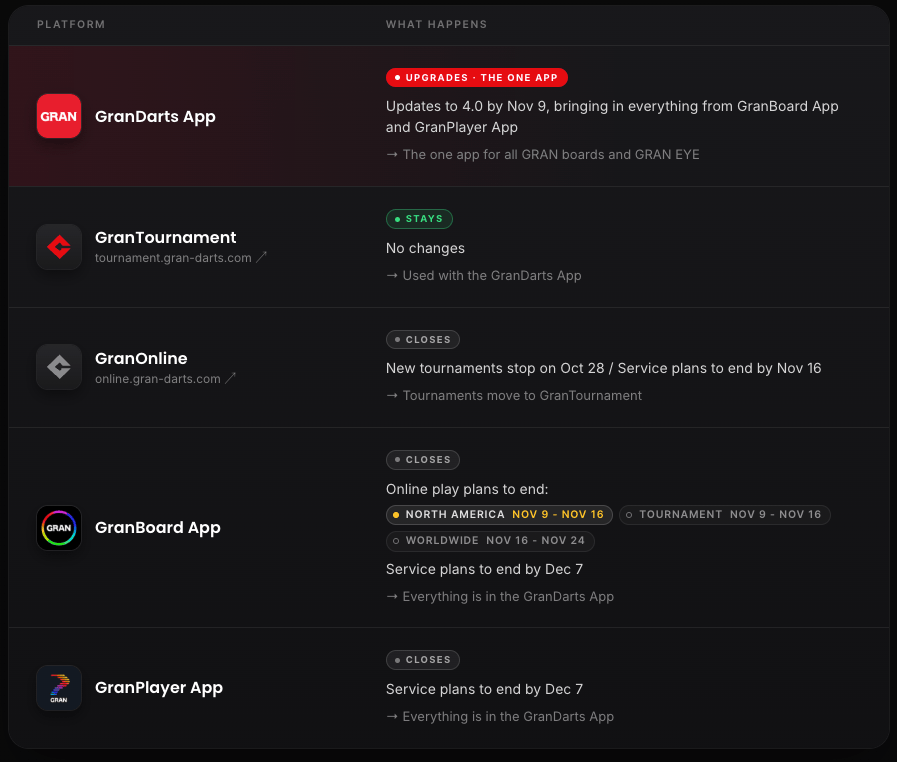
How Is Gran Darts Running on Orange Pi Right Now?
Based on the latest app store build available on October 20, 2026 (before the highly anticipated 4.0 release), Gran Darts has finally reached a point where it’s a legitimate option on the Orange Pi 5B. After extensive testing in both local and online play, including matches against steel-tip players, the results have been hard to ignore: the app is stable, responsive, and far more polished than earlier versions.
That doesn’t mean everything is perfect.
Under the GranBoard app, I was able to run what I consider the ideal setup: a dedicated shooter camera alongside a Gran Cam for the dartboard. Gran Darts changes the equation. While I can still use my Logitech C922 as a reliable board camera, support for a dedicated shooter cam appears unnecessarily limited.
What’s particularly frustrating is that the app’s own documentation suggests this capability should exist. If you open the Online Camera Settings and click the Help icon, the documentation lists both device cameras and external cameras as options for the Player Camera and Dartboard Camera. Yet in practice, after testing with multiple USB cameras connected, Gran Darts only allows external cameras to be assigned as Dartboard Cameras. The Player Camera remains locked to what appears to be the device’s built-in camera.
In other words, the documentation and the actual behavior don’t match.
I’ve submitted a bug report to the Gran team and hope this inconsistency gets addressed in the upcoming 4.0 release. Supporting USB cameras for the Player Camera isn’t just a nice-to-have feature, it’s arguably the final piece needed to make Gran Darts the definitive platform for dedicated home setups.
The more we ask for this issue to be fixed, the higher chance of it being prioritized. Please report the issue here.
Still, let’s be honest about what matters most. In online play, a clear and dependable board view is far more important than a shooter camera. And on that front, Gran Darts delivers. The Orange Pi 5B handles it without breaking a sweat, providing the stable board camera experience that online players actually depend on.
Verdict: GranDarts works well with Orange Pi 5, don’t hesitate to install and use it as a daily driver, but with the most current version pre 4.0 you’ll miss some social aspects of online play without having a player camera view for your opponent.
Gran Darts 4.0 launches on November 9, 2026, and it couldn’t come at a more critical time. As GranBoard users are forced toward the new platform, expectations are sky-high. The next release has a chance to silence the skeptics and justify the transition. But if history has taught us anything, major updates often fix one problem while introducing three more. Consider me cautiously optimistic… and ready to put it to the test.
Recap On My Converted Dartboard Setup
If you’ve seen the video above and have questions about the setup, here’s a quick recap with links with info on what i’m using.
- Computer: Orange Pi 5B
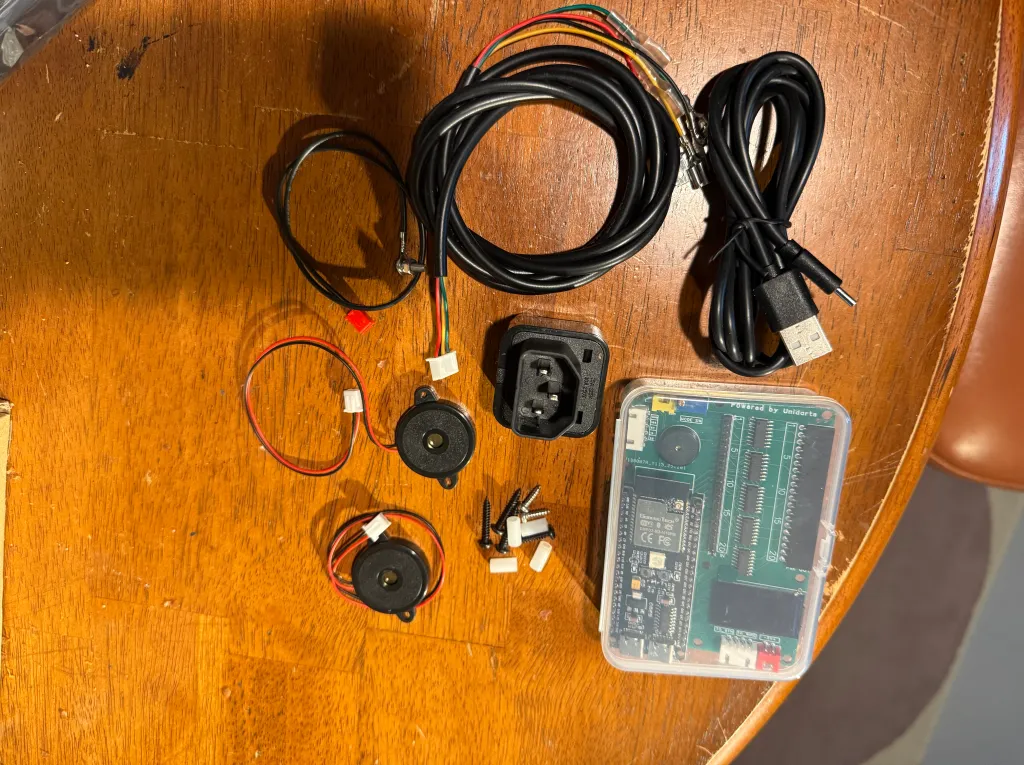
- Dartboard: Arachnid G2.5 with Unidarts N2 Chip
- Monitor: 27″ Touchscreen
- Webcam: Anker PowerConf C200 (used as my shooter cam)
- Webcam: Logictech C922 (used as my board cam)
- Lighting: L120 Dartboard Light
- Extra player change button: Big Red Button
- Sound and other accessories
If you found any of this useful, please support us by following us on facebook and subscribe to our youtube channel.
Shoot well my fellow dart players!



Leave a Reply