

Update: 01/05/26: Orange Pi 5b is still going strong and has worked flawlessly. If you’re wondering how it’s working with the new Gran Darts app, see this post.
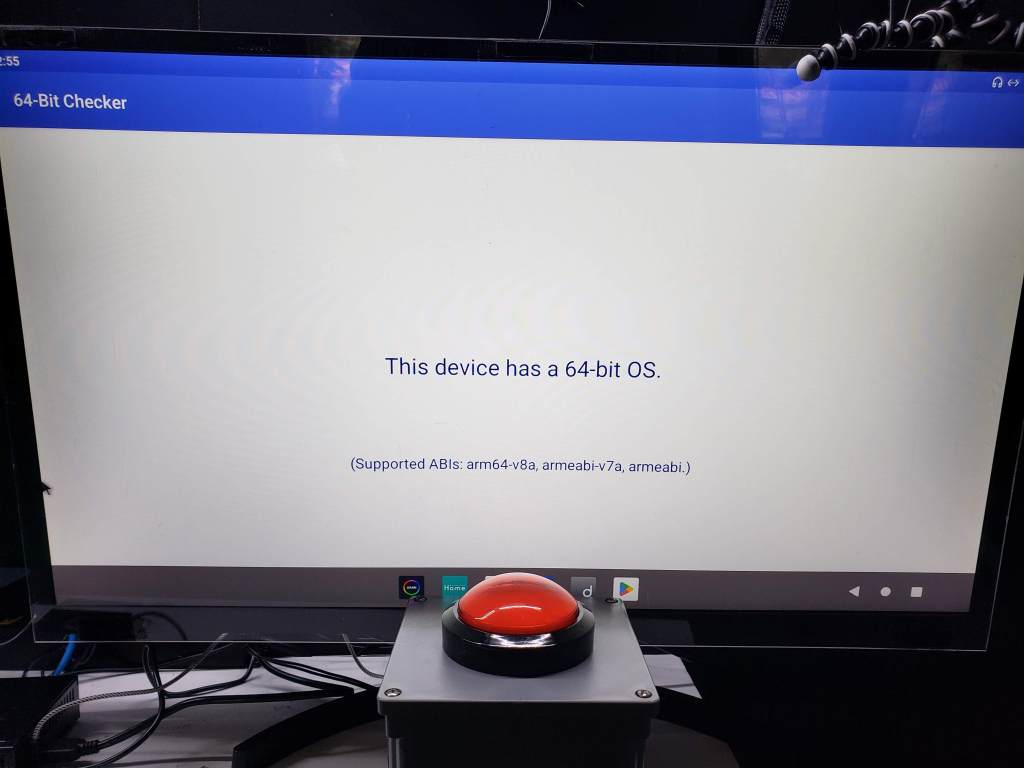
Update 01/26/24: Added picture of 64Bit Checker showing OS is 64-bit.
Update 01/25/24: Added links to the videos I used to install Android at the bottom of this post.
When building your home soft tip dart setup, one of the major decision point is, what system do I run the app in? There are many choices from IOS devices such as iPhone and iPads, as well as Android devices like mobile phones, tablets, and tv boxes.
Struggle with Android TV Box
I’ve always favored having a dedicated device for my Granboard. While I really like having a touch screen using my phone or tablet, I didn’t like using a cable to a secondary larger screen, and I found casting to be finicky at times. Using my phone was a no-go cause of incoming messages, texts, calls, etc… I then went with an Android TV Box. The difficult part was finding an Android TV Box that worked, I used Amazon and must have ordered 3 boxes before I found one that worked. I was able to get it working with the GranCam and an external USB Camera, everything was great until a Granboard update which required newer Android OS versions. I couldn’t find a way to update the OS on my Android box, so then I had to go on that hunt again until I found an X96 that had a newer OS and worked! After some time with this setup, I also ventured into playing Dartslive Home app — and this only worked on my phone and not on an Android TV Box. So I was on a quest to find something that would work with all the dart apps I wanted to play.
Enter Orange Pi 5
I had seen a chart from Gran Darts on what chipset’s they recommend. This fueled my search, and after not finding any Android TV Box with these chipsets, I stumble upon the Orange Pi 5.
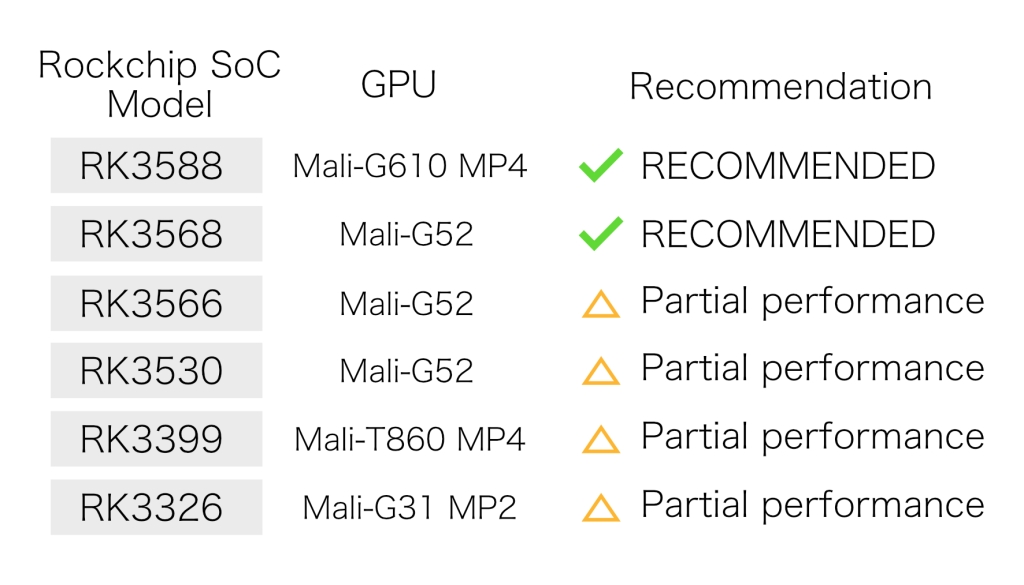
What is an Orange Pi 5? It’s an Sing-Board Computer (SBC) – which basically is a complete functioning computer with processor, memory, inputs/outputs, audio, and video. This board has the recommended RK3588 Chipset. There’s also a version of this board that comes with Bluetooth and WiFi. Unlike ordering a Android TV Box which comes nicely packaged and with an operating system, with the Orange Pi 5 you’ll only get the board. You would need to buy your own case, and you’ll need some tech knowledge to get an OS installed (not too difficult if you can follow instructions). I also heard, VDarts uses an older version of the chipset integrated into their boards.
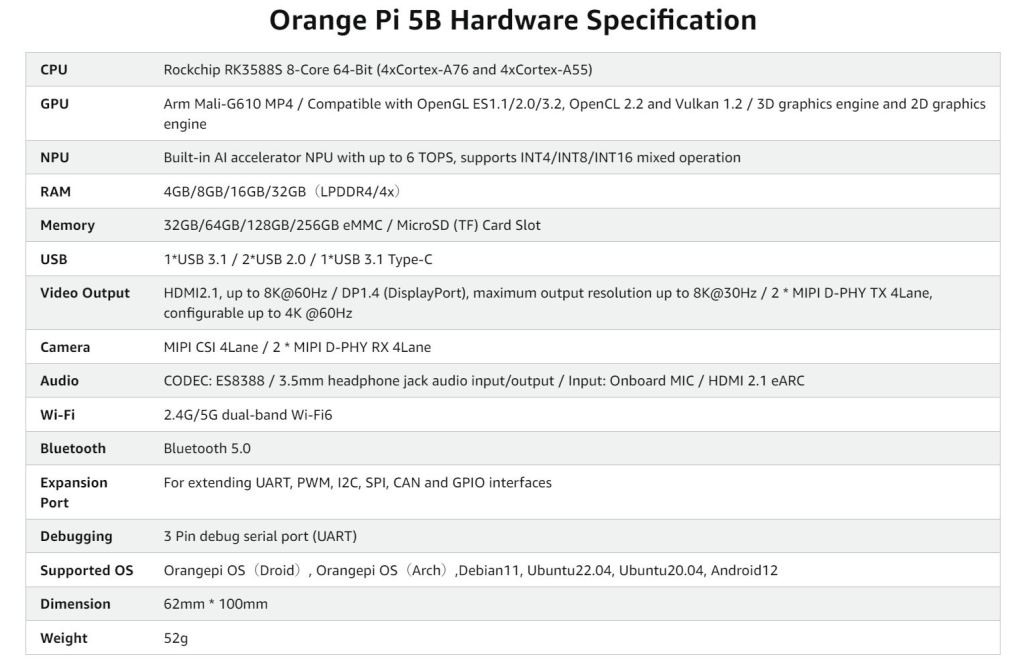
Bonus – It’s 64-bit, so you shouldn’t have issues with the Granboard announcement about removing support for Android 32-bit (contains info on how to check your current device). I also chose to go with the 16gb RAM + 256GB Memory variety which should have enough memory for future updates.
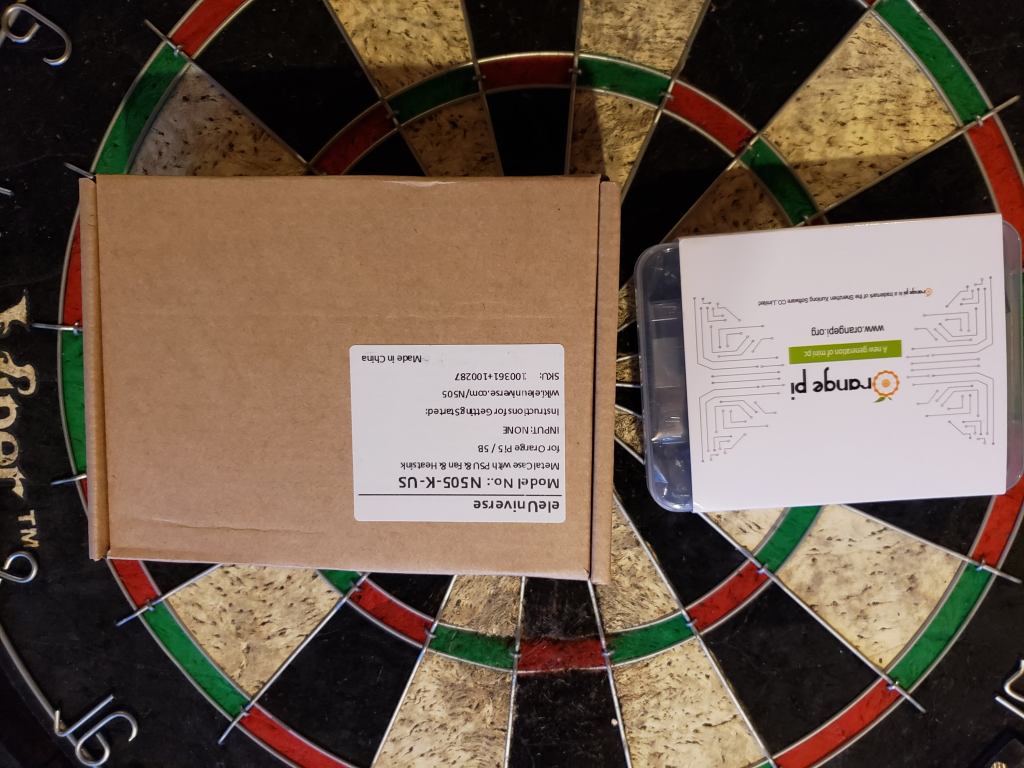
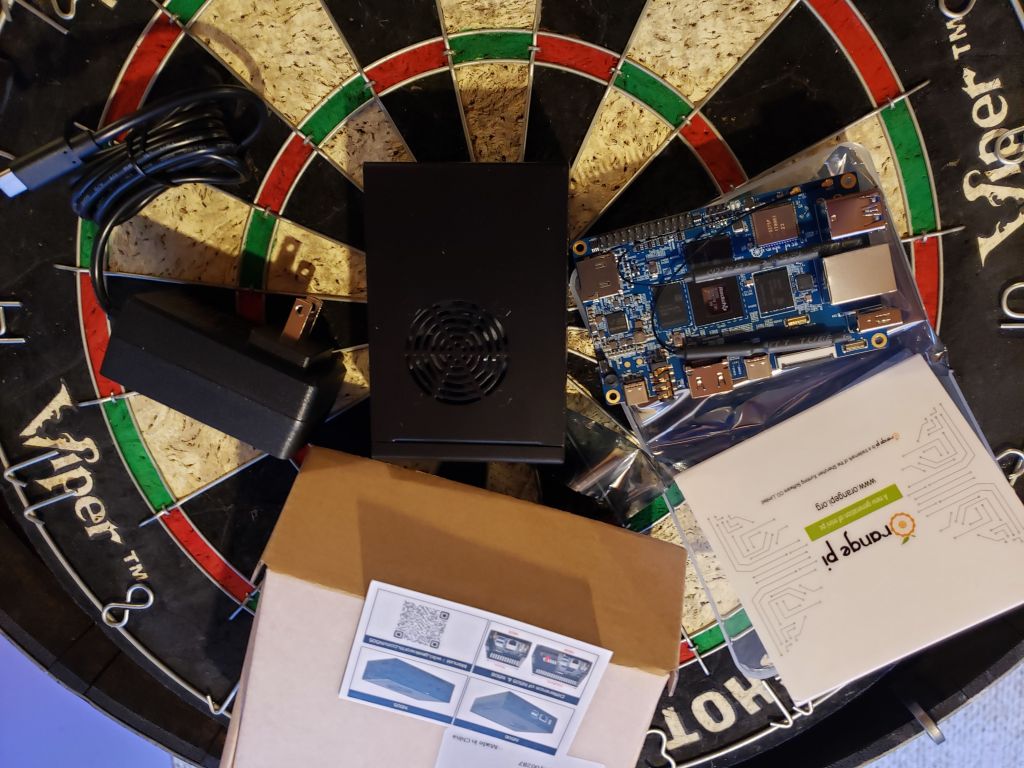
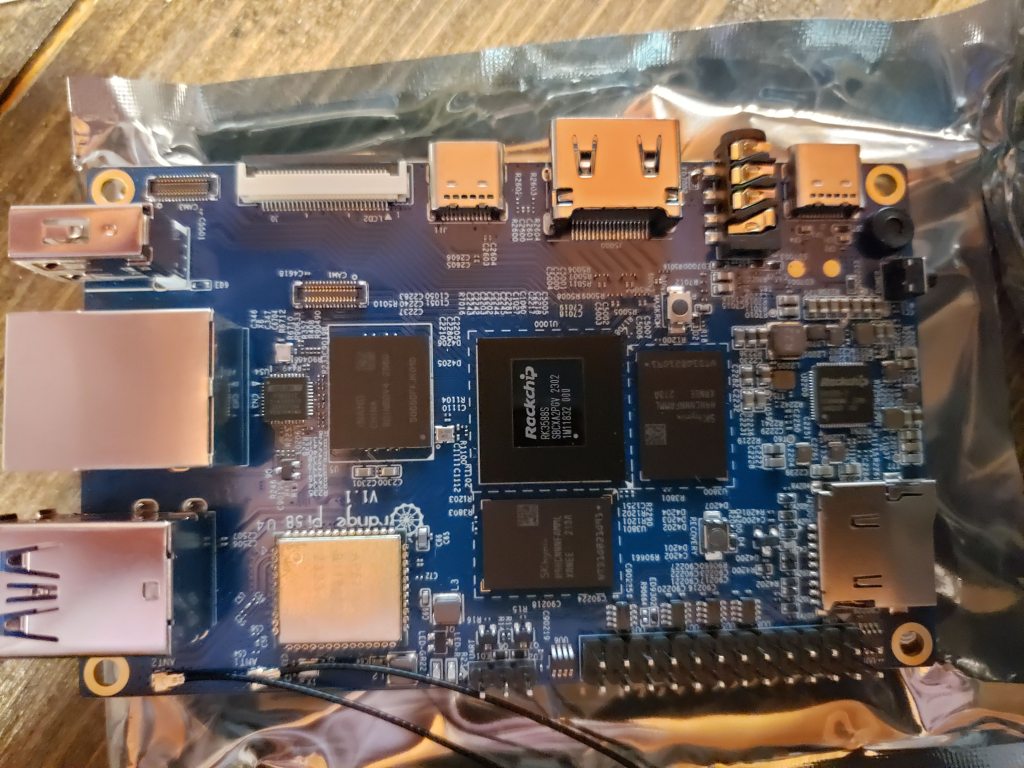
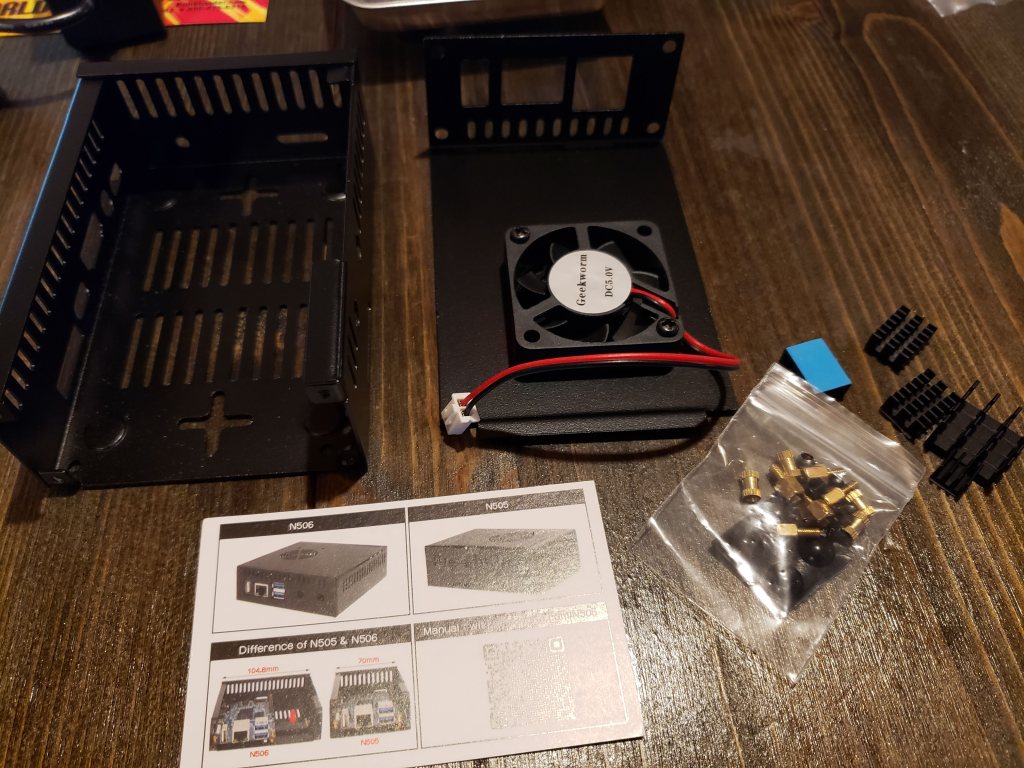
After getting the Orage Pi 5, installing it into the case, and getting Android OS (version 12) and Play Store installed. I was able to install various dart apps such as Granbaord (still needed to use DeployGate), Dartslive Home, and VDarts. My previous Android TV Box would not install Dartslive Home, so this was a win! I did have issues using my Logictech C920 webcam which only worked with VDarts and not with Granboard. I did have a Anker PowerConf C200 2K Webcam laying around and plugged it in, and the results were great! It’s a much better camera, especially in low light and worked both with Granboard and VDarts. No cam worked with Dartslive Home, which is likely an issue with the app (I reached out to Dartslive support and right now they’re not supporting USB cams).
The Orange Pi 5 is used as my main dart setup running all my dart apps. It’s working with the Gran Cam for a board view, and webcam for shooter view. If you ever catch me on the live stream, I’m using the Orange Pi 5. So far so good, and at this point I would recommend folks this route if their preference is to use separate isolated device or if you’re having trouble finding an Android TV Box that works. I will also add there is touchscreen support, but I have not pursued that yet. In lieu of a touchscreen, I use an air mouse remote control that also has a keyboard on the back side. Takes a bit to get used to, but after some time it’s pretty easy to use.
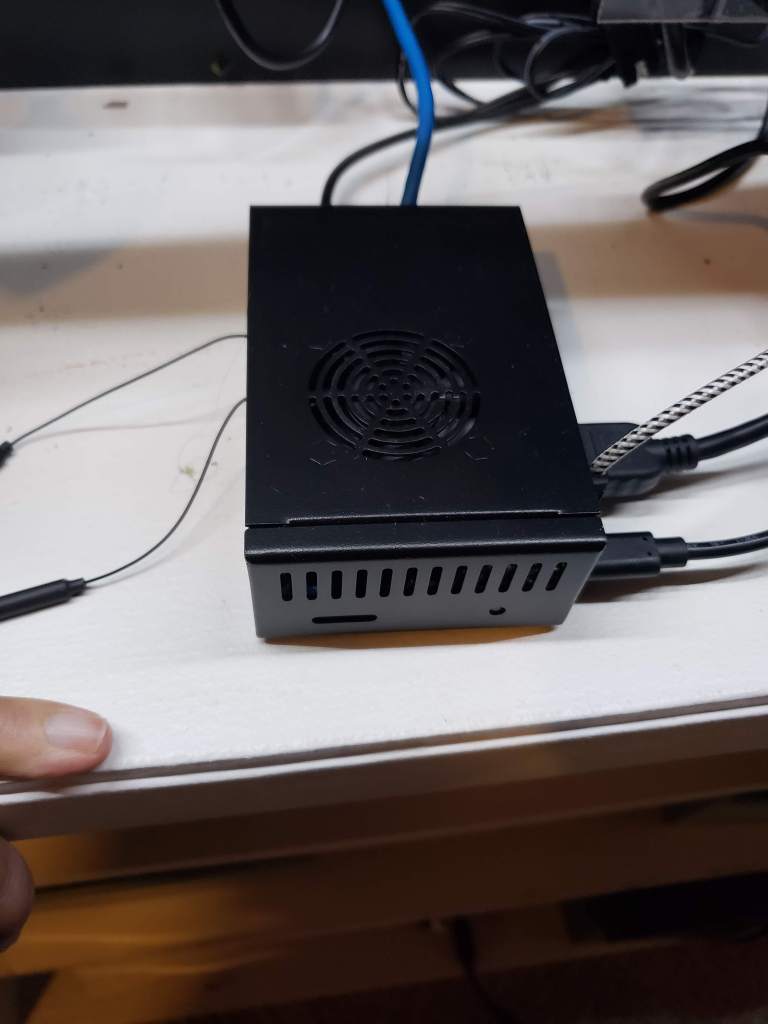
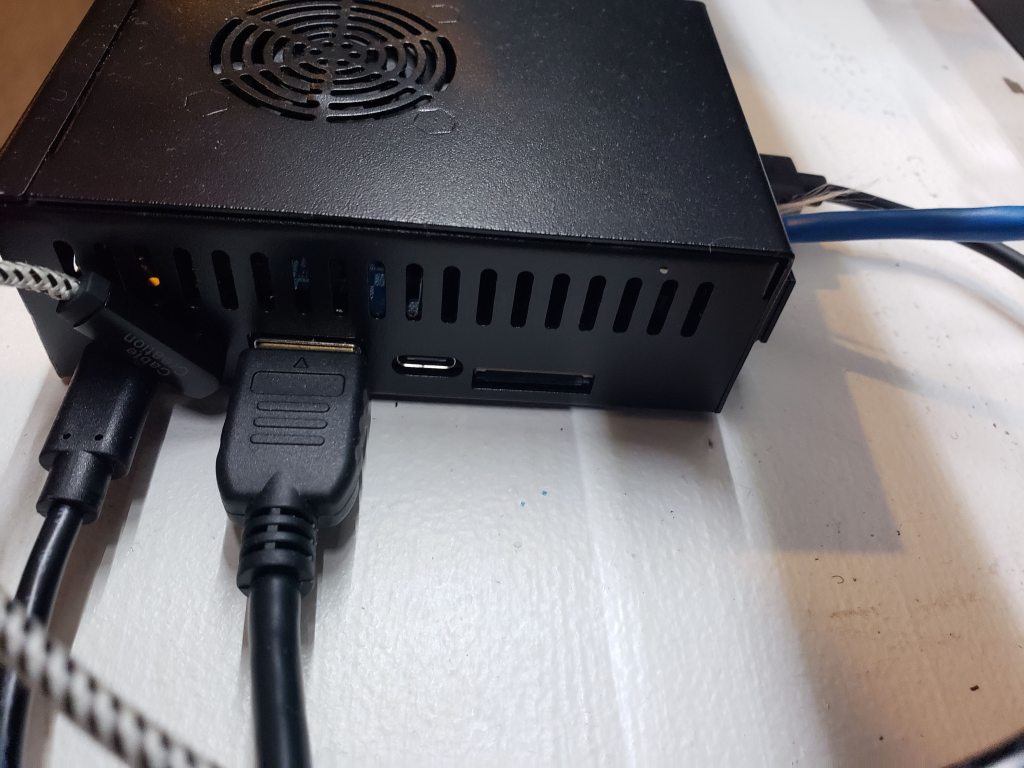
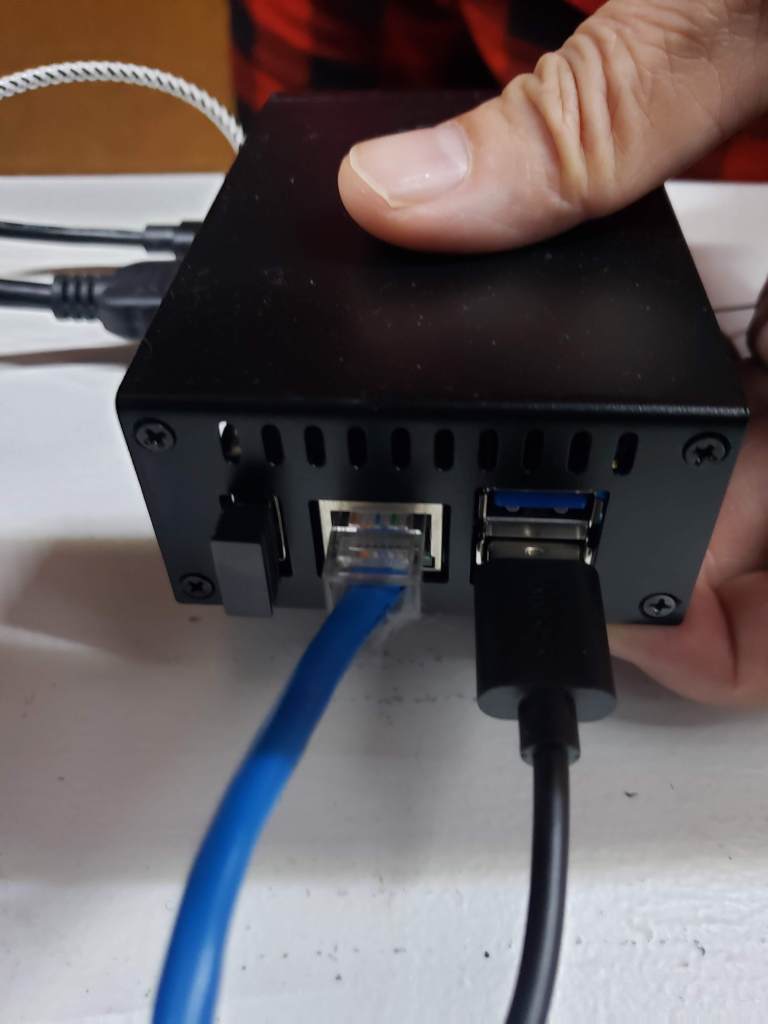
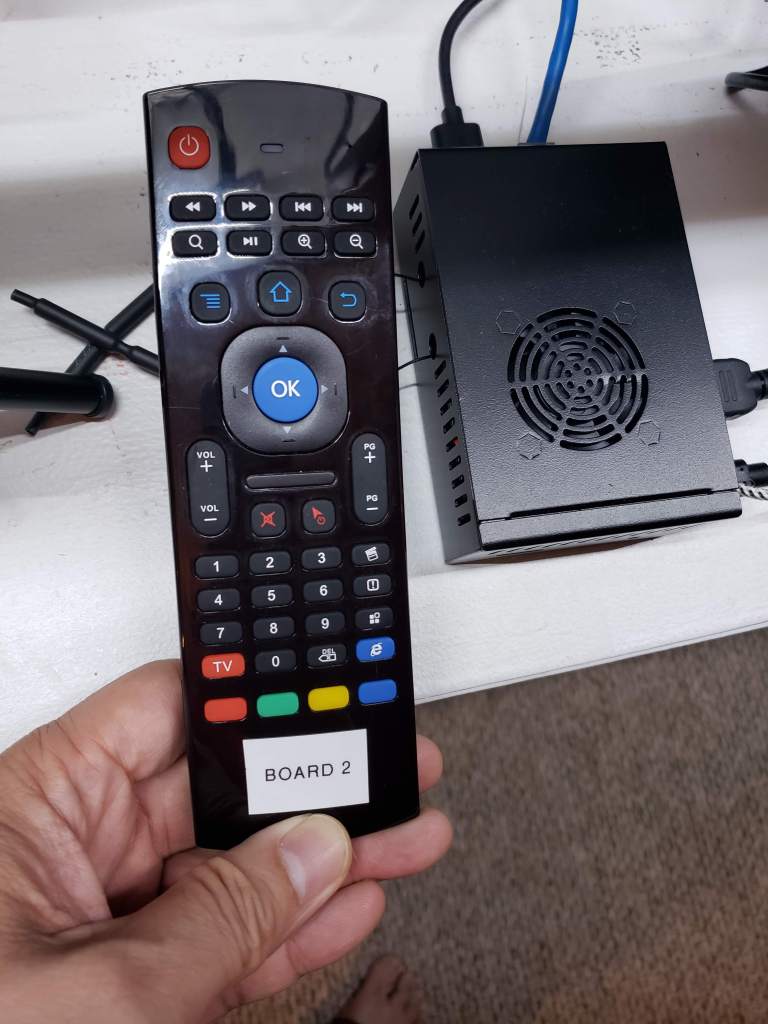
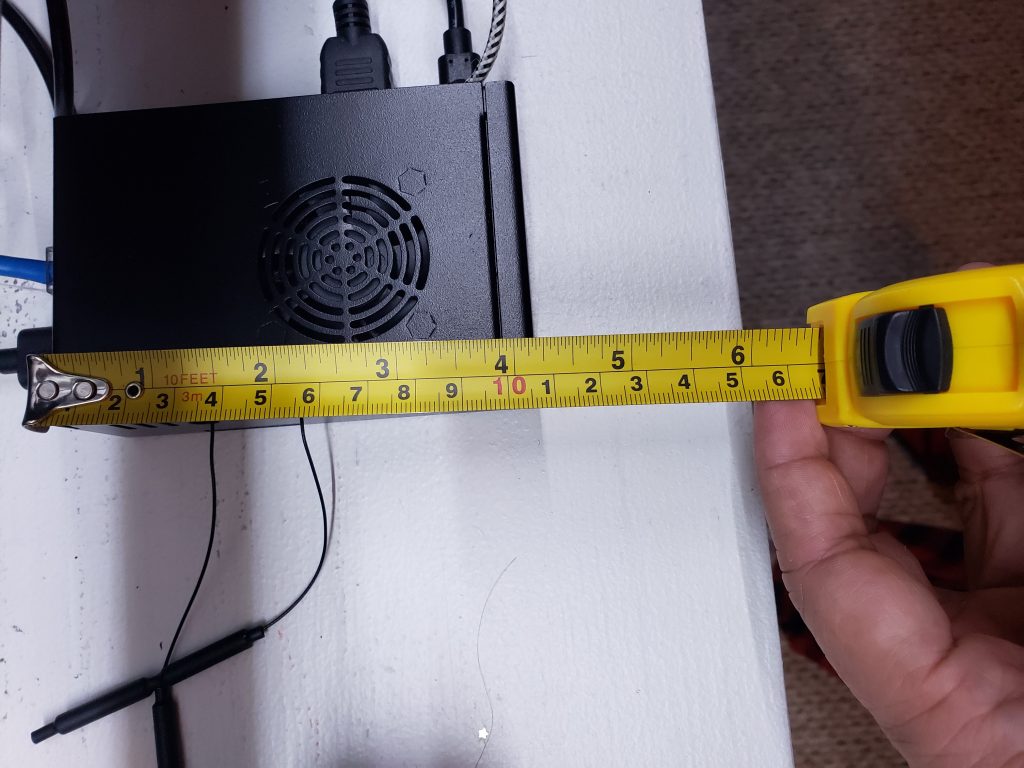
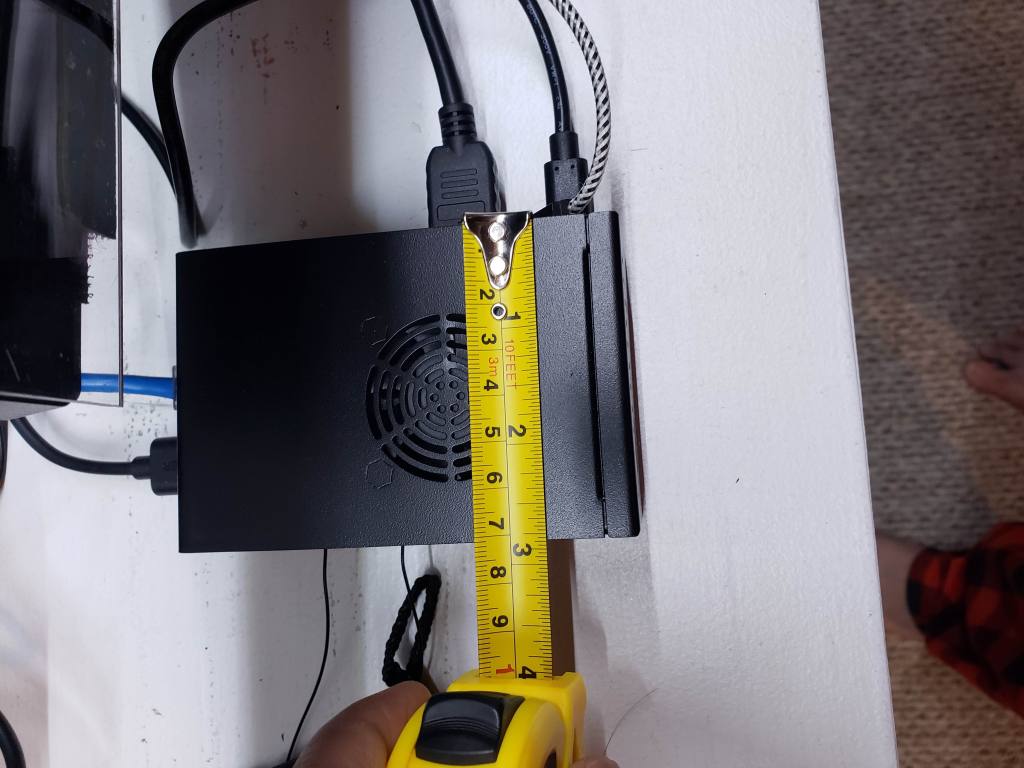
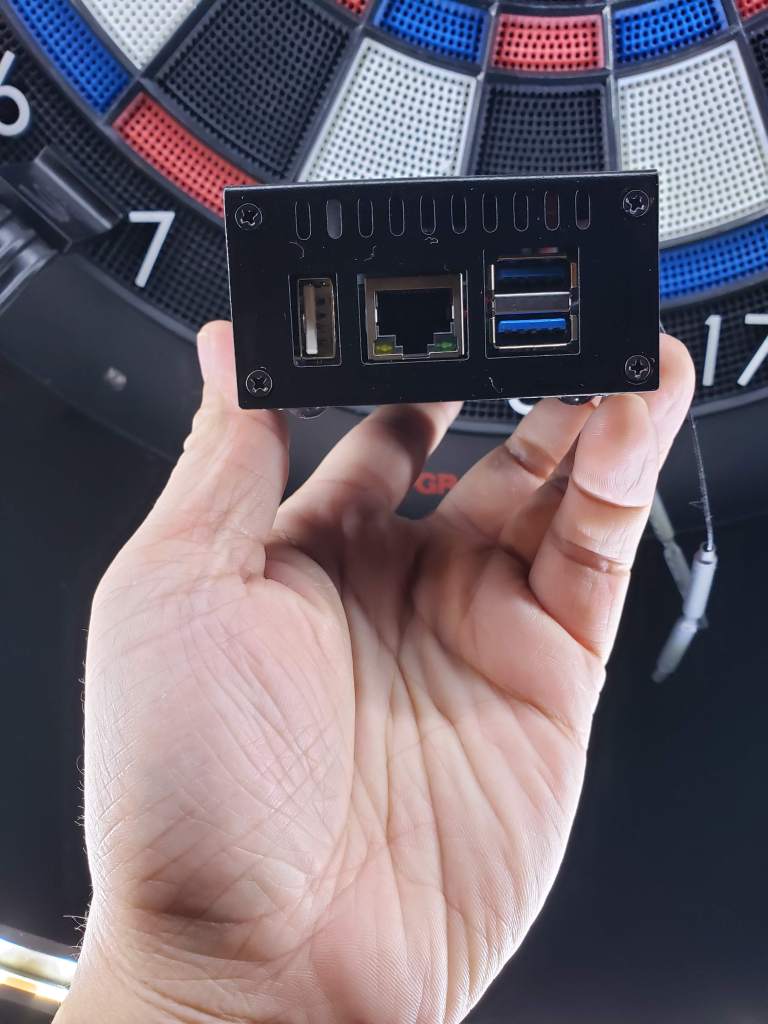
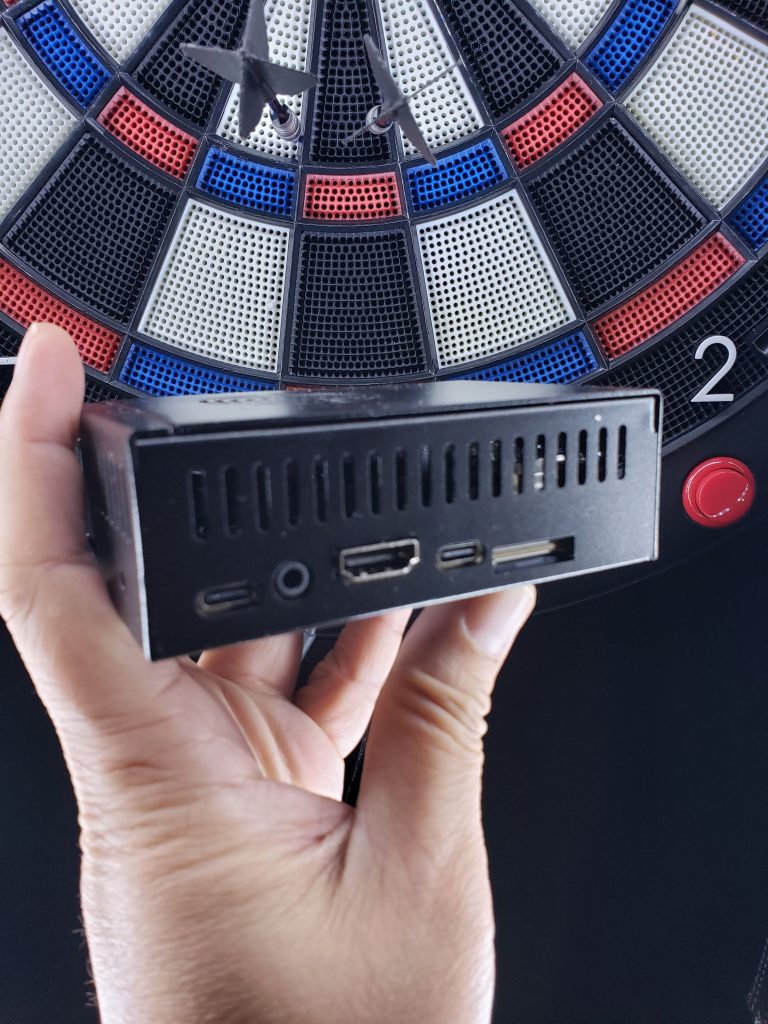
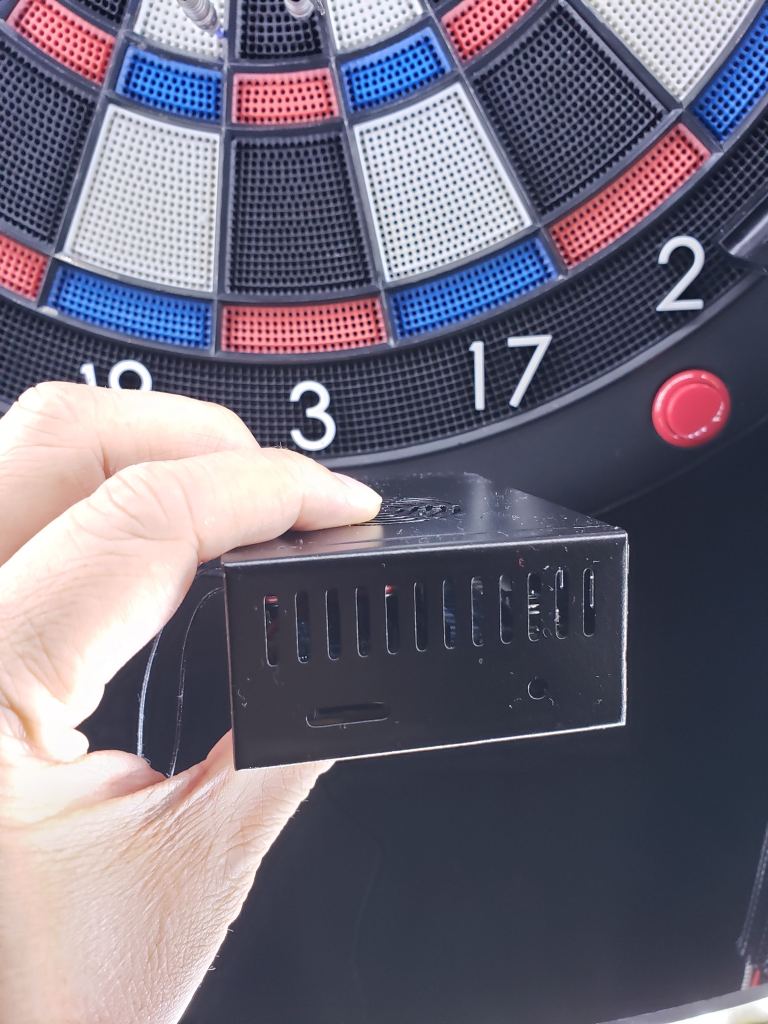
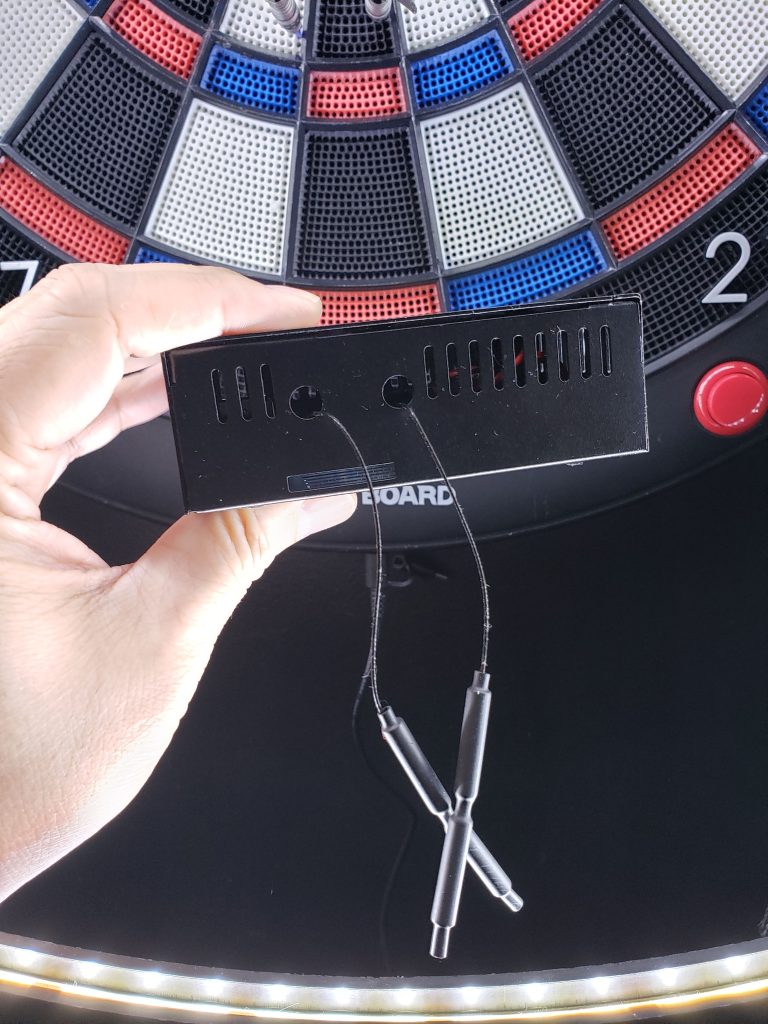
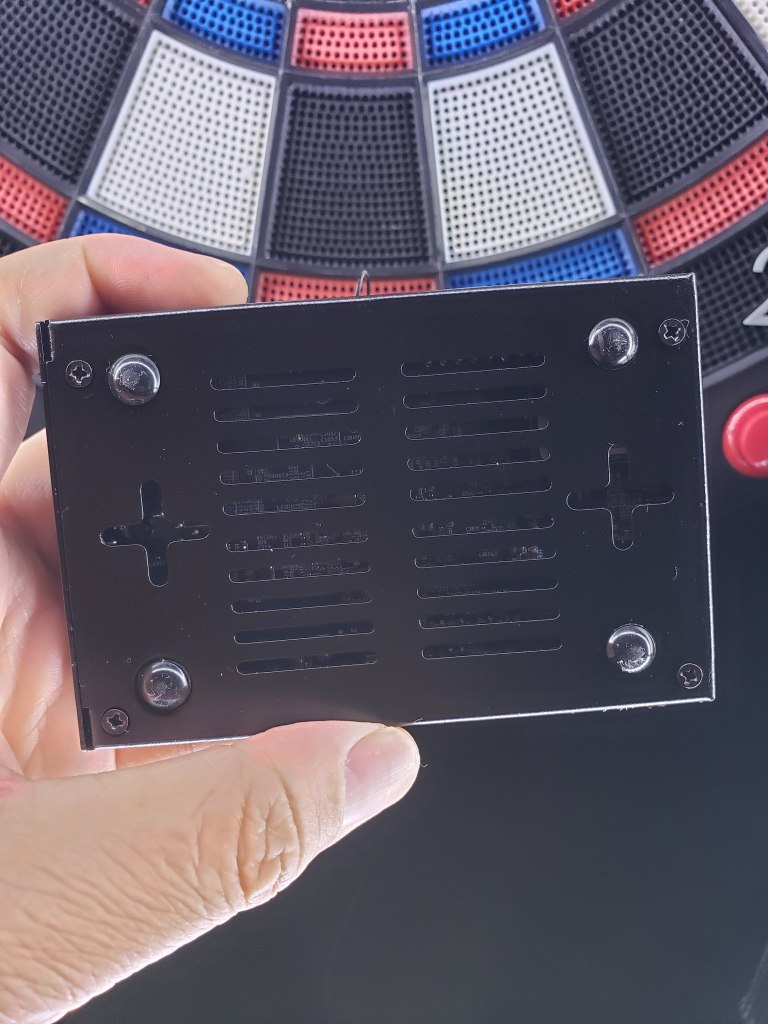
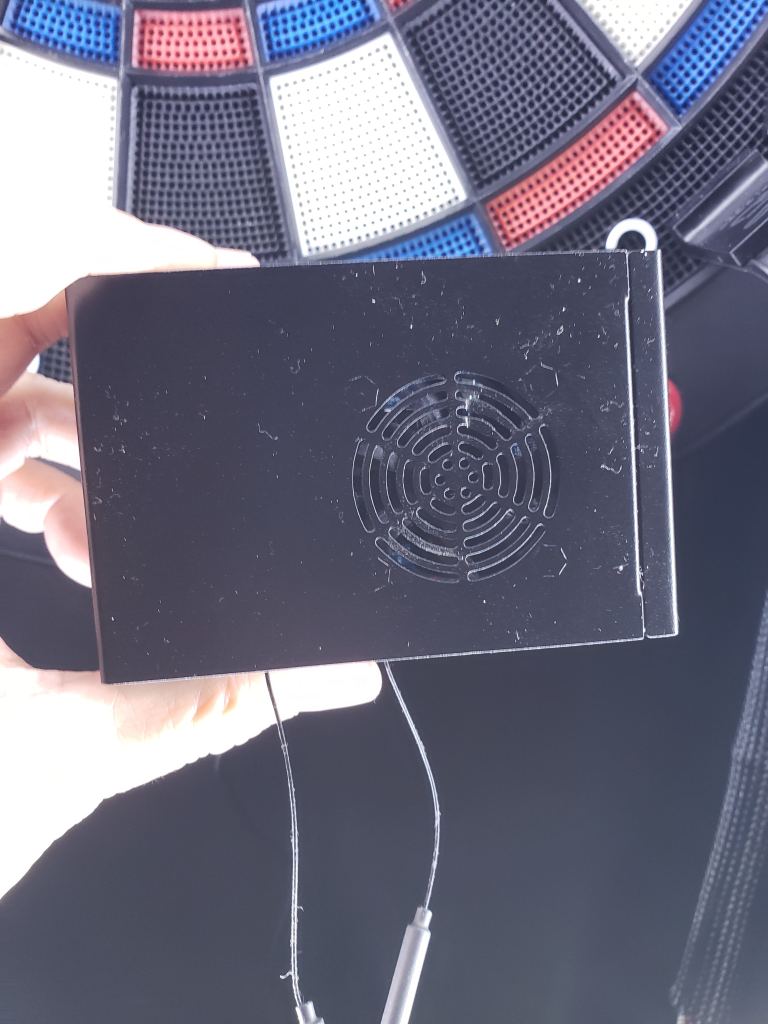
Links below to the parts I used in my setup. It maybe a pricier option compared to what’s out there, but compared to dropping $1 per game at the bar boards this option is cheaper in the long run. I also value the learning you get from experimenting and tinkering.
- Orange Pi 5B 16GB+256GB Single Board Computer, Rockchip RK3588S 8-Core 64 Bit Wi-Fi6 Bluetooth 5.0 – $147.99
- eleUniverse Orange Pi 5/5B Case with Power Supply Kit, Metal Case with USB Type-C 5V 4A Power Adapter & Cooling Fan & Aluminum Heatsinks Compatible with Orange Pi 5/5B – $20.99
- Air Mouse for Android tv Box, Gimibox MX3 Pro Wireless Keyboard 2.4G – $16.99
- Anker PowerConf C200 2K Webcam – $47.99
If you’re interested in doing this, please let me know how it goes or issues you run into. Also, please feel free to comment on your experience with Android TV Box or any other device you’ve used that you’ve had success or failure with.
Recourse and videos I used to learn how to install the OS. One video is how to install it to an SD card, the other video is how to flash/install it to the onboard storage device. I started with a flash drive, and once I felt it was working good, then I started from scratch again but installed OS to onboard storage.
- SD Card install video and includes Play Store install
- Onboard storage install video
- Official Orange Pi 5B Page – has link to Android Image I used
Pro tip: the OS will be in Chinese, use Google Translate app that uses your camera to translate the screen. Then navigate to settings and change the language to English.
I hope you enjoyed this nugget of information and found it useful. As always I would genuinely appreciate follows on social media and a subscribe on our Youtube channel.



 KrakenDarts.com
Leave a reply to Markus Cancel reply