
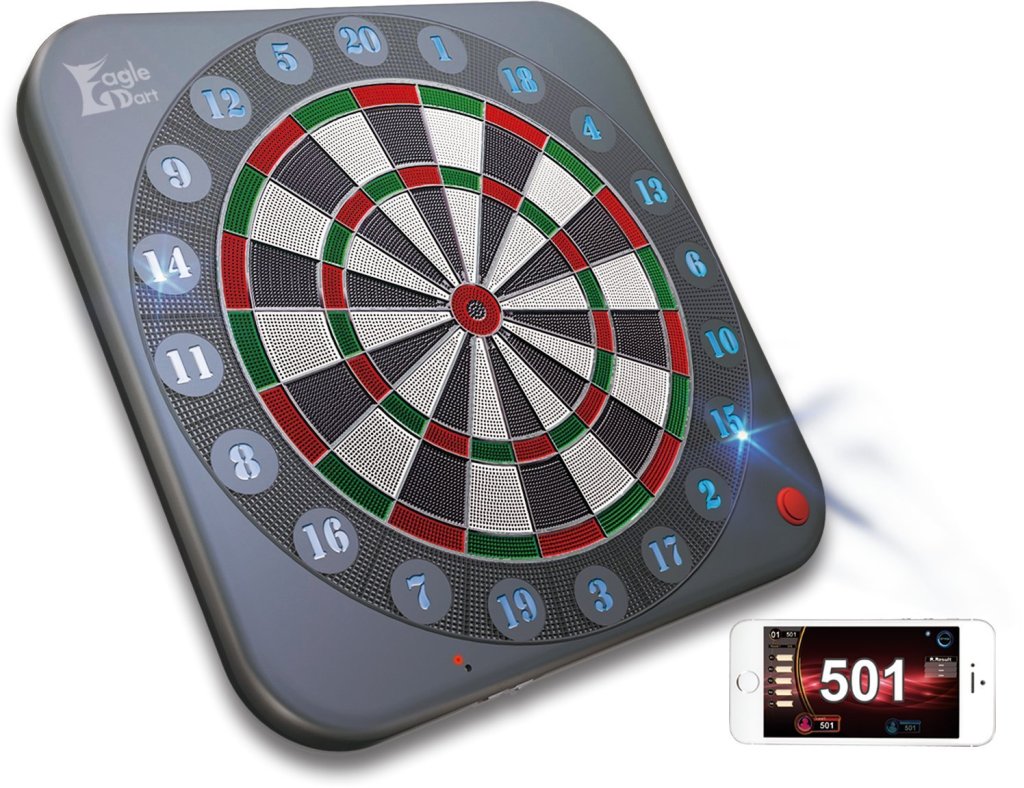
App Review
The current app version is 1.0.3.6. Once the app connects to the board a green light will appear next to the on/off switch to confirm the blue tooth connection. The main screen will appear with three selections to choose from, they are: My Page, Settings, and Select Game. Below I will give a brief description of each selection and add pro’s/con’s.
My Page:
This is where you can enter your name and add a photo. The app offer’s a generic avatar as default photo. Your Award/Player stats are also located here: PPD, MPR, Class, Ranking, Cricket Count/Count up, 3 in the Bed, Hat Trick, Ton 80, High/Low Tons, White Horse, Double/Single Bulls. You can also enter a friend here and edit their name so when you play a match you can use there name instead of Guest. Theres a visual icon showing Awards accomplished: Low/High Tons, Ton 80, Hat Trick, Single/Double Bulls.


Pros/Cons: I really enjoy the ability to personalize it with a photo and username along with editing a “Guest Player”. The Awards achieve visual stats icon is a pretty cool feature.
What I didn’t like: there was no weekly or monthly statistic chart/graph stats shown to see your progress. To view how many times you hit an achievement award, you had to scroll up/down vs. seeing all at once. There’s no percentage score on targets hits or a break down on how efficient you were throwing.
Setting:
The settings page offers Volume Control, Mute, and Auto Change Player
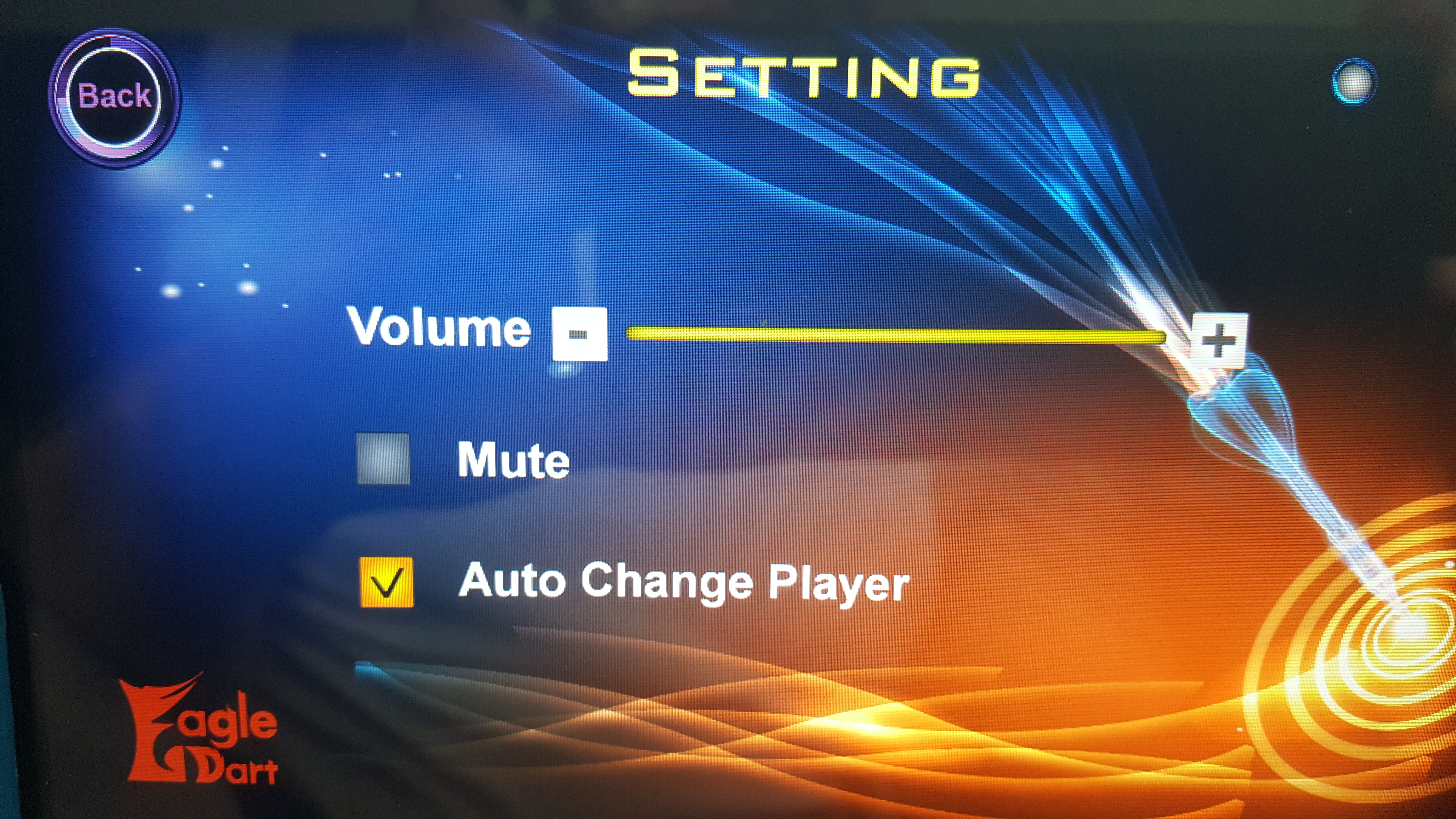
Pros/Cons: The only thing I liked, was Auto Change player, I use it all the time when I practice, it reminds me of playing on a G3 Bullshooter board and keeps those solo practice throws in rhythm, the time interval is roughly 5 secs, and there’s no option to increase or decrease the time interval. The volume control doesn’t differentiate between award sounds and darts thrown, is just the overall volume of the board. Currently there’s no Award movie settings options for Low Tons, Hat Tricks etc. it’s all default.
Select Game:
- Practise: Cricket Count Up, and Count UP
- O1 Game: 301, 501, 701, 901, 1101, and 1501
- Cricket: Standard and Cut Throat
- Match Mode: Player vs. Player
- Party Game: Boxing, Beyond Top, RPG
**At this point of owning the board a little less than a month, I’ve still yet to see online play which rumored to start sometime end of June? (I’m writing this review mid July)


Pros/Con: The app games selection is really basic, they only offer 2 practice games along with your traditional 01 & Cricket. The Match Mode is your 3 game medley play, however there’s no option to increase your 01 game to 701 (or decrease to 301), it’s default at 501, and no option for choice on game 3. All games offer “cork” (including practice) except for the RPG game and Boxing. Each game has an “option” icon that offers: Round Setting, Rethrow, Restart, Back to Menu, Player Change, and Rules.
The app overall is pretty straight forward and easy to navigate for practice or match mode. It’s streamlined for quick set up without going into different layer’s of the app to begin playing. But I’m sure with player feed back, this version of the app will have upgrades and improvements moving forward. This review is for the current version 1.0.3.6. Please feel free to reach out with any questions you may have. Shoot well my friends.
Stay tuned for a review of the online play once it’s released!



 KrakenDarts.com
Leave a reply to Mark Cancel reply