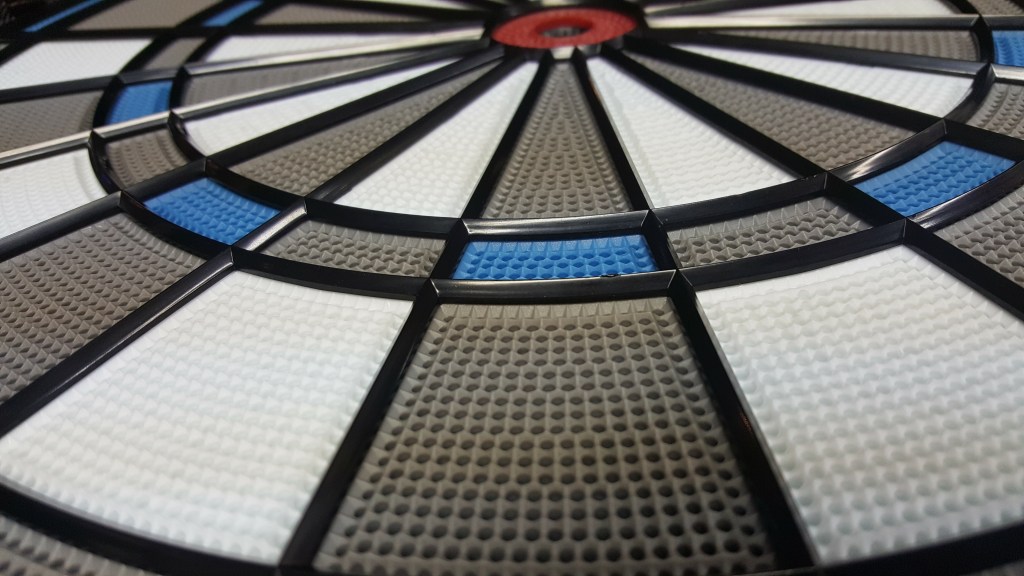
VDarts H2 is home dart board that links up to your tablet or smart phone using bluetooth technology. Your tablet is then used to play various games, cricket, count up, sniper, 01, etc via the VDarts app. This board also allows for online play, to challenge opponents across the world.
Purchase VDarts H2–Global Online Dartboard

This is part 2 of a 3 part review.
The App
What really makes the next gen dart boards attractive is the use and integration of technology. Most of us these days have a smart phone or tablet, and with the VDarts H2 takes full advantage of that. The app is downloaded to your device and uses bluetooth technology to communicate with the VDarts H2/H2L. Every time you throw a dart, the board registers what you hit, and tells the app. The app then uses that info to update the game scoring.
According to the official site here’s what they support:
Android devices: Quad-Core 1.2GHz, 2GB memory, Android OS 4.4.2 and greater, Blutooth 4.0 and greater, and OpenGL 2.0.
Apple IOS: iPhone 5 or iPad3 and greater that use the IOS 8.


The Good
- VDarts H2 App has a plethora of games for you to enjoy. I don’t know any other dart board that has all these games. They’re also adding more as well.
- Cricket: Standard, Wild Card, Cut Throat, Hidden, Low Ball
- 01: 301, 501, 701, 901, 1101, 1501. Also has the in/out options and split bull
- vs Medley’s
- Horse Race
- Archery
- Sniper
- Dart Roulette
- Hit Or Drink
- Big Bull
- Fighting Seven
- Monsters war
- Tic Tac Toe
- Hunter 301
- Count Up
- Bermuda Triangle
- Support from 1 to 4 players on a lot of the games.
- Great graphics and visuals.
- Award movies for low tons, hat tricks, three in a bed, etc..
- Online play
- Rating system so you can see where you stand against others
- Ability to customize the background image in some of the games
- Online website to see your profile, rating, MPR, PPR, Rankings, etc… You can get to the website via http://login.vdarts.net/index.html


The Bad
- App instability. There’s been a lot of complaints with each release around the application crashing, or not being able to connect your phone\tablet to the board. It also seems like with each application release some people’s issues are fixed, and new issues crop up for others.
- The amount of time it takes for the application to link up to the board. It probably takes 30 to 60 seconds, but in this day and age that’s a long time. I’m only speaking from my experience.
- The clunky feel of the application. The space age theme is kind of cool, but I’d rather have simple menu that is robust and responsive.
- No robots to play against. Although I’d rather play against a human, playing against the computer would be a nice option to have.
- In App Profile management, rating, history. It would be nice if the application allowed you to see general information around your game, your MPR, PPR, history, etc…
My Setup
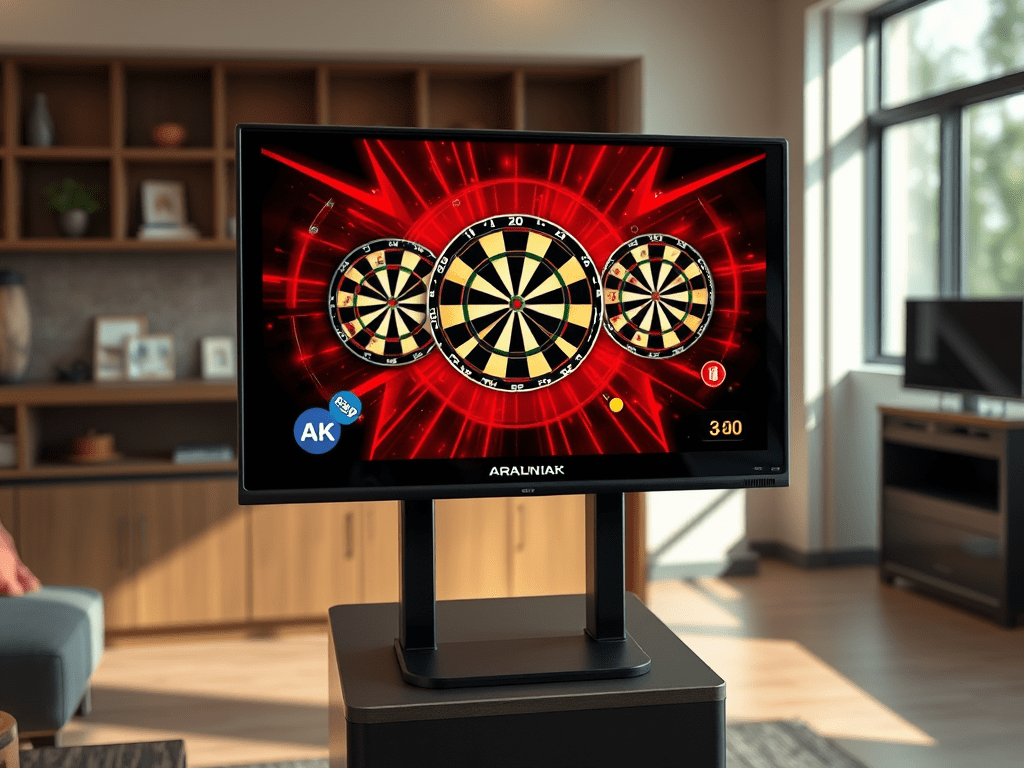
I use a Samsung Galaxy S2 Tablet and haven’t had much of the connection problems I hear about online. The great thing is I can connect my table to another monitor or screen, as well as output the sound to a larger sound system to really feel and get into the game.
In part 3 I’ll review the online play of the game and application.


 KrakenDarts.com
Leave a reply to Victor M Cancel reply