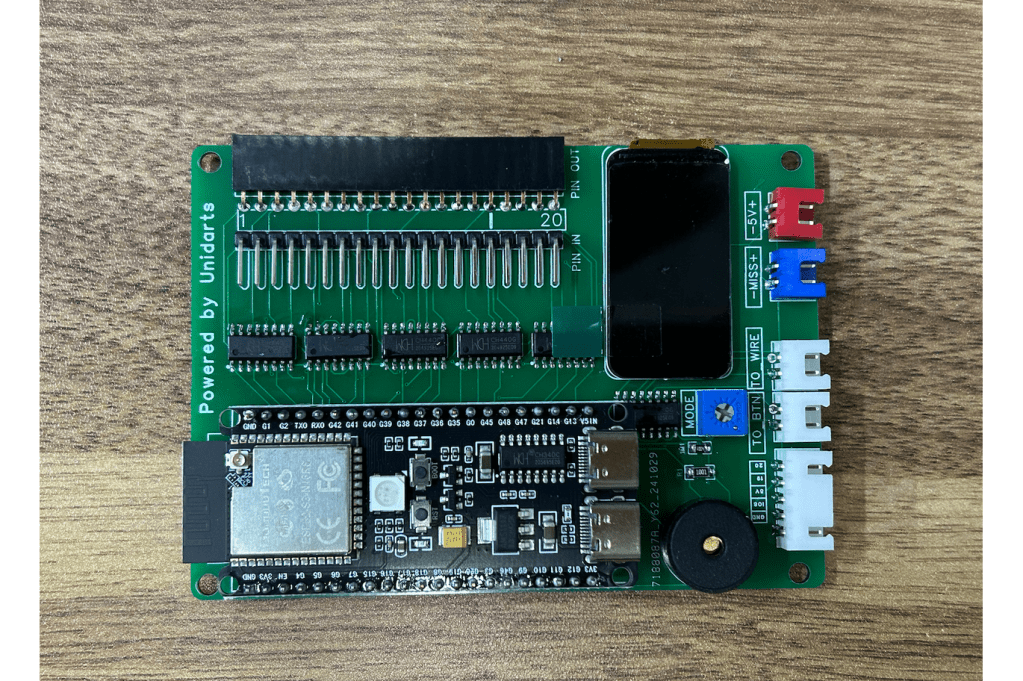
If you caught our recent deep dive on the Unidarts N2 chip—the tiny upgrade board that’s been giving classic commercial dart machines a second wind—you already know how excited we are about what this little piece of hardware can do. In that post, we explored how the N2 breathes new life into older systems and why it’s quickly becoming a favorite among operators and home enthusiasts alike.
Today, we’re taking that conversation one step further with a hands-on look at installing the N2 chip on an Arachnid G2.5. Spoiler: it was smoother than expected. In fact, compared to installing the same chip on a Galaxy 3, the G2.5 felt almost effortless.
Why the Arachnid G2.5 Makes a Great Candidate
The G2.5 has always been a workhorse—durable, reliable, and built with a layout that’s surprisingly friendly for modern upgrades. When you pair that with the N2 chip’s streamlined design, you get a combination that just works.
Here’s what stood out during the process:
- Clean internal layout that makes cable routing and chip placement refreshingly simple
- Minimal disassembly compared to the Galaxy 3
- Straightforward wiring with connectors that line up intuitively with the G2.5’s harnesses

Installation Experience: Smooth From Start to Finish
If you’ve ever installed an N2 chip on a Galaxy 3, you know it’s not hard, but it does demand patience. The Arachnid G2.5, on the other hand, felt like it was practically inviting the upgrade. This kit does work for both the G2.5 and G2, and they also have kits that support other boards even the home Spider versions.
A few highlights from the install:
- Accessing the main board took only a few screws before everything was within reach
- Mounting the N2 chip required zero improvisation thanks to the generous internal space
- Connecting the harnesses was true plug‑and‑play
- Power‑up testing worked immediately with no error codes or troubleshooting loops
One important note: the Unidarts N2 kit does not include a power adapter. If you don’t already have one on hand, you’ll need to pick one up. This adapter on Amazon should work for the N2 setup.
Having the right adapter ready to go keeps the install smooth and avoids that “mid‑project pause” nobody enjoys.
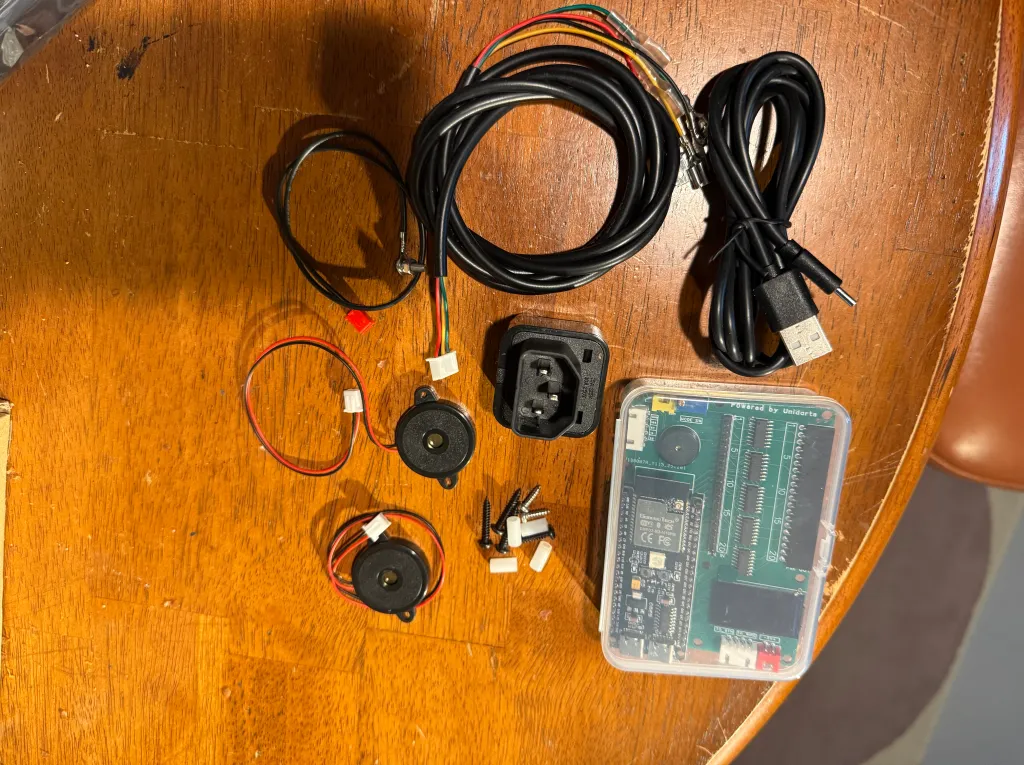
The Payoff: Modern Performance on a Classic Machine
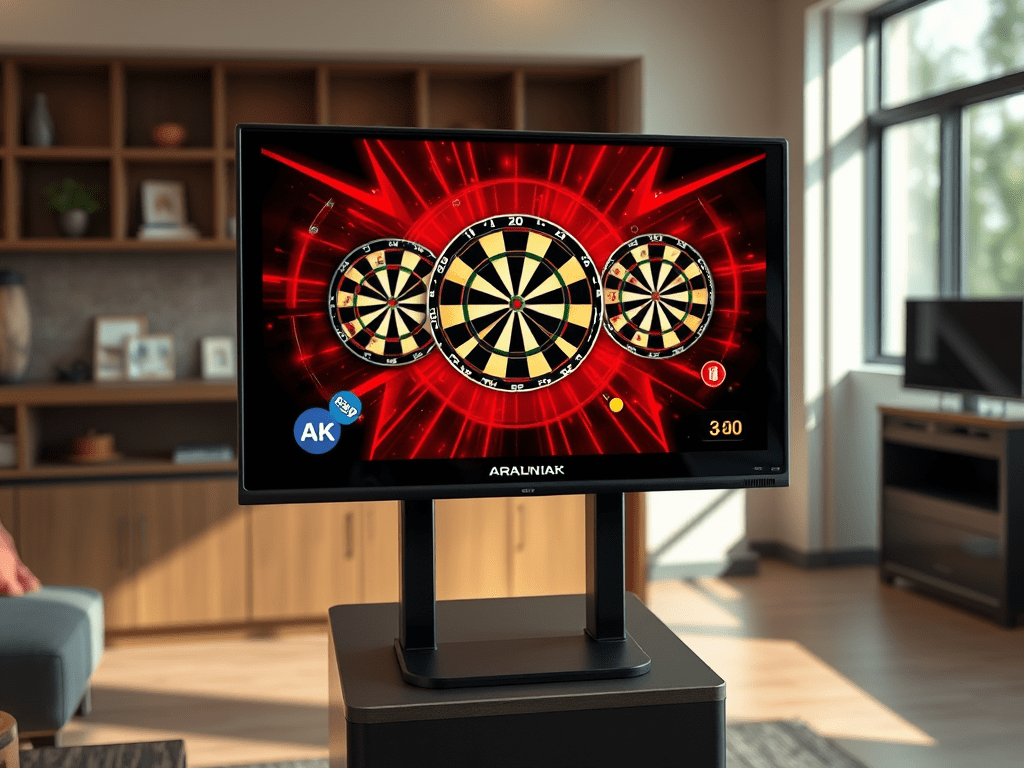
Once installed, the N2 chip transforms the G2.5 in all the ways we covered in our previous article—snappier responsiveness, expanded compatibility, and a noticeably smoother gameplay experience. It’s the kind of upgrade that makes an older machine feel surprisingly modern without sacrificing the charm that made it a favorite in the first place.
If you’ve been considering an N2 upgrade and have a G2.5 (or G2) in your lineup, this is one of the easiest wins you can get.
We’re not affiliated with Unidarts team, but if you’re if you want to pick one up, visit their site at the link below:


 KrakenDarts.com
Leave a comment