
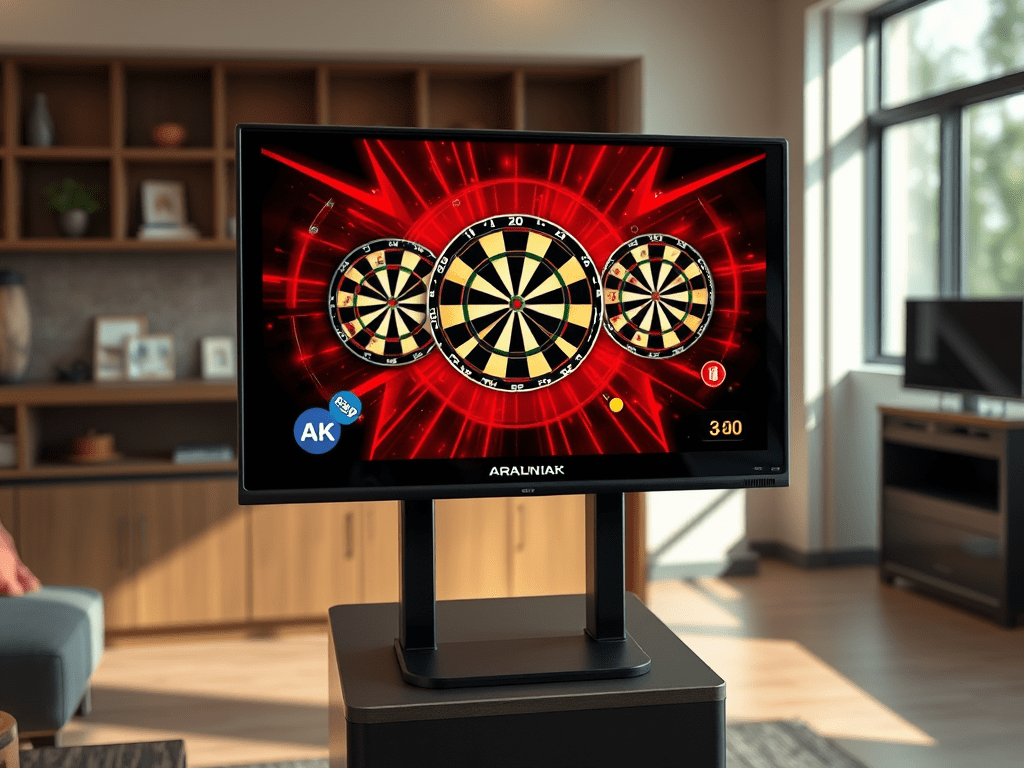
When I started my project to transform an Arachnid Galaxy 2.5 into the ultimate home dart machine (this deserves it’s own post in the future), I knew the Orange Pi 5B running Android 12 would give me the horsepower I needed. What I didn’t expect was that the hardest part of the build would be something as simple as finding a touchscreen that just… works.
I really wanted a screen that would cover the mid-section of the G2.5.
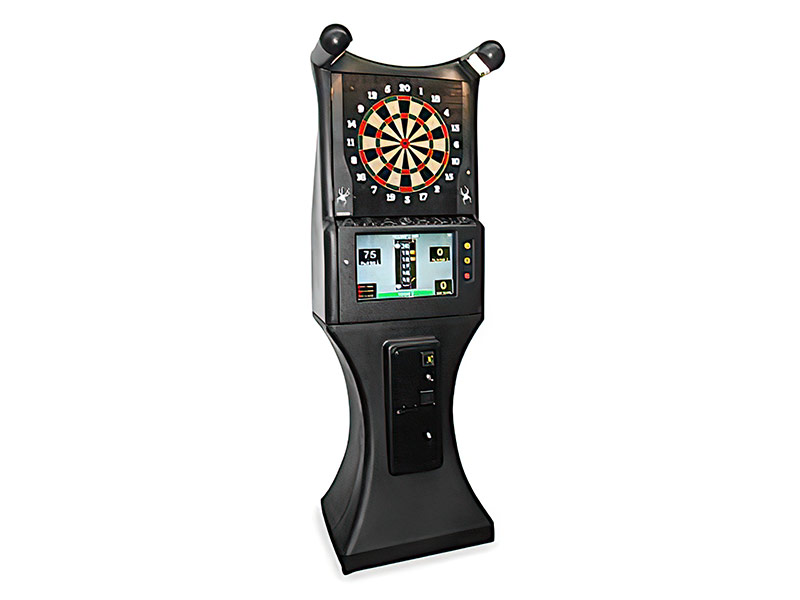
If you’ve spent any time in the Facebook groups dedicated to the building dart cabinents, you’ve probably seen the same frustration I did: people struggling to find a touchscreen that plays nicely with Android 12 and OrangePi 5B. Compatibility is hit‑or‑miss, drivers are unclear, and half the time you’re left guessing whether the issue is the panel, the cable, or the Pi itself.
So here’s the good news: I found a solution that worked almost seamlessly.
The Surprise Winner: Pisichen 27INTS‑2K
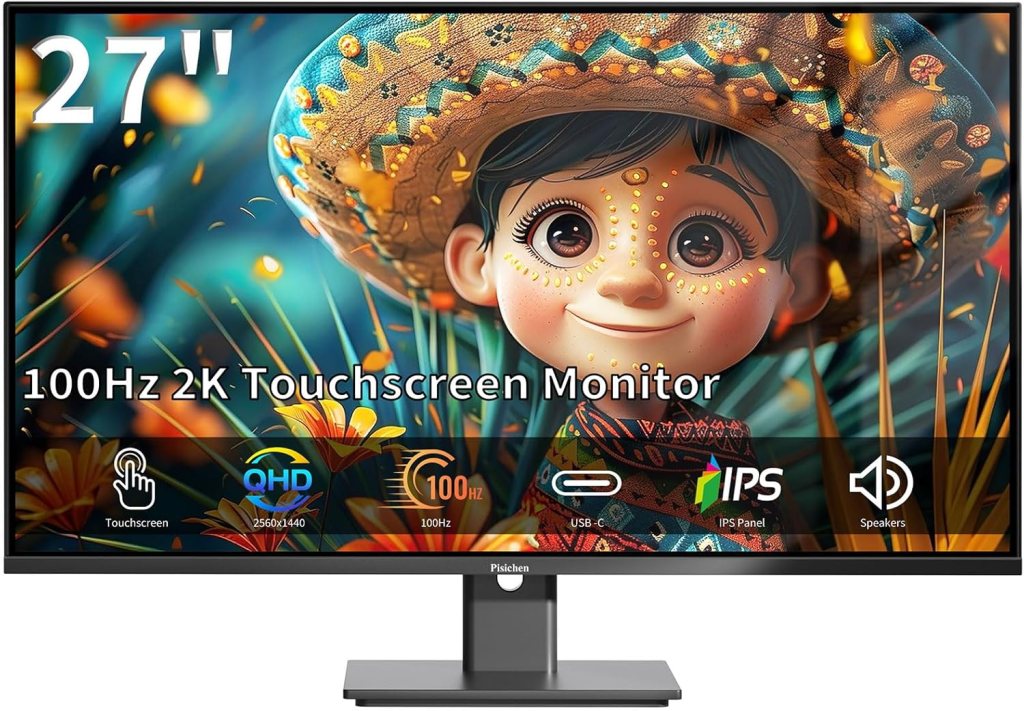
After digging through posts, reviews, and a few too many “this should work in theory” comments, I took a chance on the Pisichen 27INTS‑2K monitor from Amazon. To my surprise, it worked nearly flawlessly right out of the box.
A few quick highlights:
- Large 27-inch 2K display that looks fantastic for a dart machine interface
- Touchscreen worked plug-and-play using the included USB‑C to USB‑A cable
- No driver installs or hacks needed on Android 12
- Responsive touch performance that feels natural for menu navigation and scoring apps
Given how many people online were struggling to find a compatible panel, this felt like a huge win.
The One Hiccup: Resolution Shenanigans
I did run into one odd issue during setup. The first time I plugged in the Pisichen monitor, I got… nothing. No signal, no display, no hint of life.
Here’s what fixed it:
- Plugged in my original monitor to the Orange Pi
- Adjusted the resolution in Android settings to something the Pisichen panel supports
- Reconnected the Pisichen display and everything worked instantly
After that, the touchscreen functionality kicked in immediately with the supplied USB cable. No calibration, no tweaking—just smooth, responsive touch input.
Final Thoughts
If you’re building a custom arcade-style setup, a dart machine, or any project that needs a large touchscreen on the Orange Pi 5B, the Pisichen 27INTS‑2K is absolutely worth a look. While others online have had a tough time finding a compatible display, this one delivered exactly what I needed with minimal fuss.
More info on this monitor:
Touchscreen Monitor 27 Inch 2K 100Hz Gaming Monitor, QHD 2560×1440 IPS PC Monitor, 10-Point Multi Touch Screen Computer Monitor, USBC HDMI VGA Ports, Built-in Speakers
Display
| Aspect Ratio | 16:9 |
|---|---|
| Screen Finish | Glossy |
| Contrast Ratio | 1500:1 |
| Refresh Rate | 100 Hz |
| Display Type | LED |
| Display Technology | IPS |
| Viewing Angle | 178 Degrees |
| Brightness | 400 Candela |
| Pixel Pitch | 2.45 |
| Color Gamut | 99 |
| Has Color Screen | Yes |
| Picture Quality Enhancement Technology | HDR |
Measurements
| Screen Size | 27 |
|---|---|
| Item Dimensions D x W x H | 0.7″D x 24″W x 14.1″H |
| Item Weight | 6.8 Kilograms |
Display Resolution
| Resolution | QHD Wide 1440p |
|---|---|
| Display Resolution Maximum | 2560 x 1440 Pixels |
| Native Resolution | 2560×1440 |
Performance
| Response Time | 3 Milliseconds |
|---|
Connectivity
| Connectivity Technology | DisplayPort, HDMI, USB Type-C, USB Type-A |
|---|---|
| Hardware Connectivity | DisplayPort, HDMI, USB 2.0 Type A, USB 3.1 Type C |
Ports
| Total Number of HDMI Ports | 1 |
|---|---|
| Total Usb Ports | 1 |
| Number of Component Outputs | 3 |
| Total USB 2.0 Ports | 1 |
| Total USB 3.0 Ports | 1 |



 KrakenDarts.com
Leave a comment